


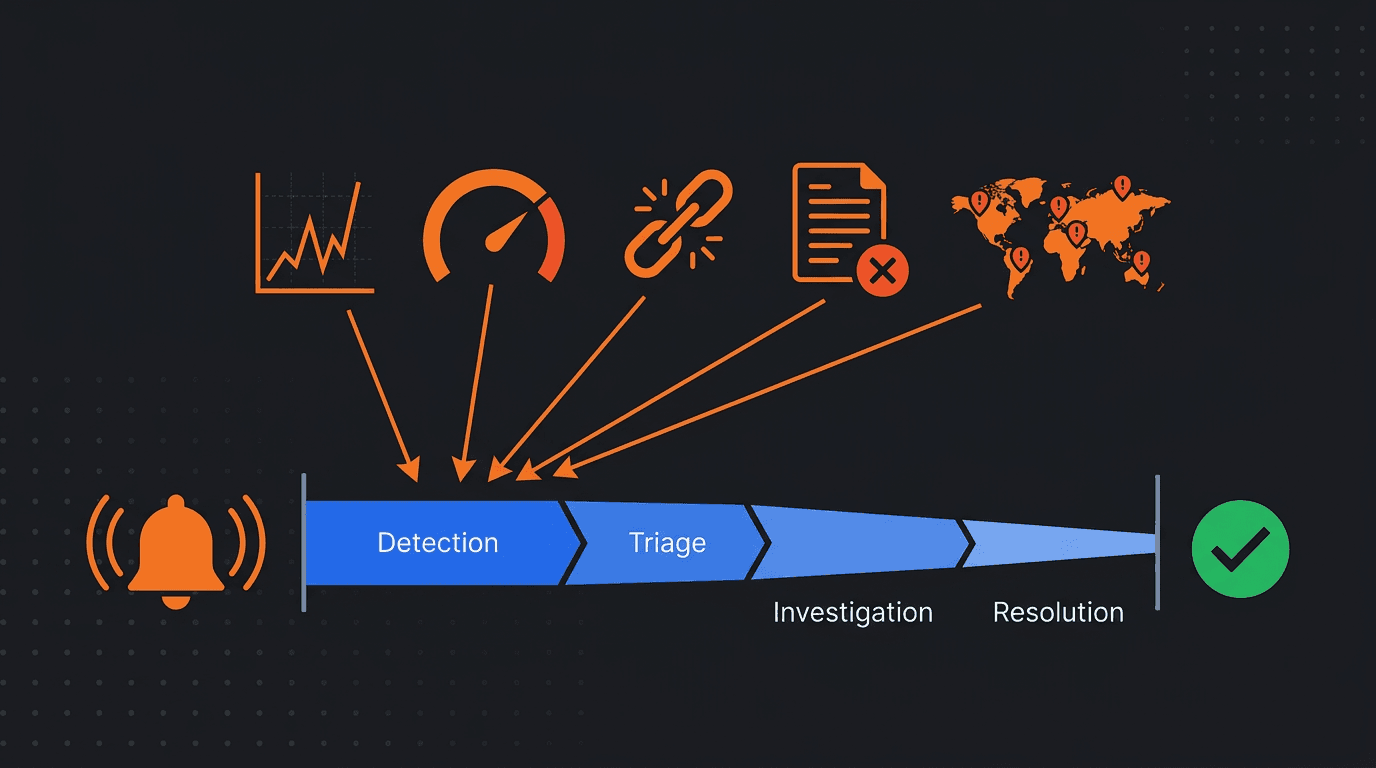
The API monitoring alerts that reduce incident response time the most are the ones that tell you what is wrong, where it is happening, and how severe the impact is within the first notification. An alert that says "endpoint failed" forces the responder to investigate what kind of failure, which endpoint, from which region, and whether it affects real users. An alert that says "checkout API returning 503 from 3 of 5 regions, error rate 34%, started 90 seconds ago" puts the responder directly into triage and recovery.
The difference between those two alerts is not monitoring coverage. It is alert design. Both teams have monitoring. But the second team reaches resolution faster because the alert itself eliminates the first 5 to 15 minutes of investigation that the first team has to do manually. Across hundreds of incidents per year, that design difference compounds into dramatically different mean time to resolution.
This guide ranks the API monitoring alert types that have the largest impact on reducing incident response time, explains why each one works, and describes how to configure them for maximum operational value.
Why Alert Design Matters More Than Alert Volume
Most teams do not lack alerts. They lack alerts that accelerate response. A noisy monitoring system with hundreds of threshold-based triggers can actually increase response time because responders must sort through irrelevant signals before finding the one that matters.
The alerts that reduce incident response time share several characteristics. They fire on conditions that reliably indicate real customer impact. They include enough context to skip the initial investigation phase. They are routed to the person or team that can actually fix the problem. And they are rare enough that when they fire, the team takes them seriously.
Alert quality is the operational variable that most directly controls how fast a team moves from detection to resolution. Adding more alerts without improving their quality often makes response slower, not faster.
Alert Type 1: Multi-Region Availability Failure
Impact on response time: Very high
A multi-region availability alert fires when an API endpoint fails from multiple independent monitoring locations simultaneously. This is the single most valuable alert type for reducing response time because it eliminates the most common source of wasted investigation: false positives caused by transient local failures.
When an alert confirms that an endpoint is failing from three or more geographic locations, the responder can immediately skip the question "is this real?" and move directly to "what is causing it?" That skip alone can save 5 to 10 minutes in the critical early phase of an incident.
Multi-region confirmation also provides immediate diagnostic context. If the failure is global, the problem is likely at the origin: a deployment bug, a database issue, or a configuration change. If the failure is regional, the problem may be DNS, CDN, routing, or a regional infrastructure component. That geographic signal narrows the investigation scope before the responder opens a single dashboard.
How to configure it
Require confirmation from at least 2 to 3 independent regions before firing. Set the check interval to 30 to 60 seconds for critical endpoints. Include the list of failing and healthy regions in the alert payload. Route to the on-call engineer for the affected service with PagerDuty, phone, or high-priority Slack notification.
Alert Type 2: Error Rate Spike Above Baseline
Impact on response time: Very high
An error rate spike alert fires when the proportion of failed API responses rises significantly above the endpoint's normal baseline. This alert type reduces response time because it captures the most common pattern of real API incidents: something broke, and the error rate jumped.
The key word is "above baseline." A fixed threshold like "alert when error rate exceeds 5%" creates noise for endpoints with naturally higher error rates and misses problems on endpoints with very low baseline error rates. Baseline-aware alerting detects the relative change, which is almost always a better indicator of a real incident.
Error rate alerts provide immediate severity context. A 2x increase from 0.5% to 1% is notable but may not be urgent. A 20x increase from 0.5% to 10% indicates a severe problem. Including the current rate, the baseline rate, and the magnitude of the change in the alert gives the responder an instant severity assessment without needing to check a dashboard.
How to configure it
Calculate baseline error rate from the previous 7 to 14 days for each endpoint. Alert when the current error rate exceeds 3x to 5x the baseline sustained over 2 to 3 consecutive check intervals. Include the current rate, baseline rate, error type breakdown (5xx vs 4xx vs timeout), and the endpoint name. Separate critical business endpoints from internal or secondary endpoints with different severity levels.
Alert Type 3: P95 or P99 Latency Threshold Breach
Impact on response time: High
A percentile latency alert fires when the 95th or 99th percentile response time crosses a predefined threshold. This alert type reduces response time by catching performance degradation early, before it becomes severe enough to cause availability failures or error rate spikes.
Latency degradation is often the first visible signal of an impending incident. A database running out of connections, a downstream dependency slowing down, a memory leak progressing, or a thread pool saturating will all show up as rising tail latency before they cause outright failures. Alerting on p95 or p99 gives the team a head start that can prevent a partial degradation from becoming a full outage.
The reason percentile alerts outperform average latency alerts is precision. An API with a 200ms average can have a p99 of 4 seconds. The average alert stays green while 1 in 100 users waits 20 times longer than the median. P95 and p99 alerts detect this tail degradation accurately and early.
How to configure it
Set p95 and p99 thresholds based on each endpoint's historical performance with margin. If the historical p95 is 300ms, a threshold of 500ms to 600ms catches meaningful degradation without noise. Require the threshold to be exceeded for 2 to 3 consecutive check intervals. Include the current p50, p95, and p99 values in the alert so the responder can immediately assess whether the problem is broad (p50 elevated) or tail-only (p99 elevated with normal p50).
Alert Type 4: Dependency Failure Alert
Impact on response time: High
A dependency failure alert fires when a third-party API that your service depends on starts returning errors or exceeding latency thresholds. This alert type reduces response time dramatically for one specific reason: it eliminates the most time-consuming misdiagnosis in distributed systems.
Without dependency monitoring, when a customer-facing API degrades, the team investigates the application code, the database, the hosting infrastructure, and the internal network before eventually discovering that the root cause is an external service they do not control. That investigation can consume 15 to 30 minutes or more. A dependency alert that fires at the same time as or before the customer-facing alert immediately points the team to the real cause.
Dependency alerts also change the response action. If the problem is internal, the team deploys a fix. If the problem is an external dependency, the team activates a fallback, opens a vendor support ticket, and communicates the impact to stakeholders. Knowing which response path to take saves significant time during the first minutes of an incident.
How to configure it
Monitor each critical third-party API endpoint independently with synthetic checks. Track latency and error rate separately from your own services. Alert when the dependency's error rate or latency exceeds its normal baseline. Include the vendor name, endpoint, and the observed failure pattern in the alert. Route to both the integration owner and the on-call team so both the vendor relationship and the customer impact are managed simultaneously.
Alert Type 5: Response Validation Failure
Impact on response time: High
A response validation alert fires when an API returns a success status code but the response body fails content-level assertions: missing required fields, wrong data types, empty arrays where data was expected, or error messages embedded in an otherwise successful response. This alert type reduces response time for a category of incident that other alerts miss entirely.
Silent correctness failures are among the hardest incidents to diagnose because all standard health indicators look normal. The endpoint is up. Latency is fine. The status code is 200. But the data is wrong. Without response validation alerts, these incidents are typically discovered by customers, which is the slowest detection method possible. The gap between the problem starting and someone investigating it can be hours.
A response validation alert closes that gap by catching the correctness failure at the moment it begins. The alert also provides the responder with specific information about what validation rule failed, which immediately narrows the investigation to the relevant code path or data source.
How to configure it
Define validation rules for each critical endpoint: required fields, expected data types, non-empty arrays, value ranges, and known error patterns in the response body. Alert when validation fails for 2 or more consecutive checks to avoid false positives from transient data issues. Include the specific assertion that failed and the actual value received. This context is what makes the alert actionable instead of generic.
Alert Type 6: Error Budget Burn Rate Alert
Impact on response time: Medium-high
A burn rate alert fires when the service is consuming its error budget faster than the rate that would sustain the SLO over the measurement period. This alert type reduces response time not by detecting a single failure faster, but by providing the operational context needed to decide how urgently to respond.
A brief spike that consumes 0.1% of the monthly error budget may not require immediate action. A sustained degradation that has consumed 30% of the monthly budget in 2 hours requires urgent escalation. Burn rate alerting provides that distinction automatically, which means the responder does not have to calculate severity manually.
This alert type is most valuable for teams that have defined SLOs. It transforms raw failure data into a business-relevant urgency signal. Instead of debating whether an error rate of 2% is serious, the team can see that at the current rate, the SLO will be breached in 6 hours, which makes the decision clear.
How to configure it
Define SLOs for critical endpoints with availability and latency components. Calculate burn rate as the ratio of current error rate to the maximum sustainable rate for the SLO. Alert at multiple burn rate thresholds: a fast burn (consuming budget at 10x the sustainable rate) should page immediately, a slow burn (consuming at 2x to 3x the sustainable rate) should notify during business hours. Include the current burn rate, remaining budget, and projected time to SLO breach.
Alert Type 7: Multi-Step Workflow Failure
Impact on response time: Medium-high
A workflow failure alert fires when a synthetic multi-step API test fails at any point in the sequence. This alert type reduces response time for incidents that single-endpoint monitoring cannot detect: state-related bugs, authentication flow failures, and integration breakdowns that only appear when APIs are called in a realistic sequence.
For example, a checkout workflow that involves authentication, cart retrieval, payment processing, and order confirmation may fail at the payment step even though each individual endpoint passes its health check when tested in isolation. The state built up through the earlier steps is what triggers the failure. Only a multi-step synthetic test catches this.
Workflow alerts provide precise failure location within the sequence. The alert tells the responder not just that the workflow failed, but which step failed, what the previous steps returned, and what the failure response contained. That specificity cuts investigation time significantly compared to a generic availability alert.
How to configure it
Build synthetic workflows that replicate the most critical user journeys through your API: login, core data retrieval, write operations, and cleanup. Run these workflows every 1 to 5 minutes. Alert when a workflow fails at any step, including the step name, the request that was sent, and the response that was received. Route to the team that owns the workflow's business function, not just the team that owns the failing endpoint.
Alert Type 8: Geographic Anomaly Alert
Impact on response time: Medium
A geographic anomaly alert fires when API performance or availability diverges significantly between monitoring regions. This alert type reduces response time for a specific category of incident that is otherwise difficult to detect: regional failures caused by DNS issues, CDN misconfigurations, routing asymmetries, or infrastructure problems that affect one market while others remain healthy.
Without geographic anomaly detection, these incidents often go unnoticed until customers in the affected region start reporting problems. The team may not realize the issue is regional until they manually check from multiple perspectives, which adds investigation time. An alert that immediately identifies which regions are affected and which are healthy provides geographic context that jumps the investigation forward.
How to configure it
Compare performance and availability across monitoring regions on a per-check basis. Alert when one or more regions show significantly worse results than the majority. Include the affected regions, the healthy regions, and the performance delta in the alert. This is especially valuable for APIs served through CDNs or with regional infrastructure components.
How These Alert Types Work Together
No single alert type covers every failure mode. The most effective monitoring systems use a combination of alert types that layer detection across different dimensions.
Multi-region availability alerts catch hard failures fast. Error rate spike alerts catch partial failures and deployment-related breaks. Latency percentile alerts catch early degradation signals. Dependency alerts catch external failures immediately. Validation alerts catch silent correctness problems. Burn rate alerts provide urgency context. Workflow alerts catch integration and state failures. Geographic anomaly alerts catch regional issues.
When these alert types work together with proper routing and severity classification, the team's median incident response time drops significantly because almost every category of API failure is detected quickly, diagnosed accurately, and routed to the right responder with enough context to act immediately.
Alert Design Principles That Reduce Response Time
Beyond choosing the right alert types, several design principles consistently reduce response time across all categories.
Include Context in the Alert Payload
Every alert should include the endpoint name, the metric that triggered it, the current value, the threshold or baseline, the affected regions, and when the condition started. This context eliminates the first round of dashboard checking that responders would otherwise have to do manually.
Route to Ownership, Not Shared Channels
An alert sent to a generic monitoring channel competes with every other alert for attention. An alert sent directly to the team that owns the failing service gets attention immediately. Ownership-based routing is one of the simplest and most impactful changes teams can make to reduce response time.
Use Severity Tiers With Distinct Escalation Paths
Not every alert should page someone. Critical alerts on business-critical endpoints should use PagerDuty or phone notifications for immediate response. Warning alerts should use Slack or email for same-day investigation. This tiered approach prevents fatigue on the critical channel while still capturing lower-severity signals for review.
Suppress During Maintenance Windows
Planned deployments and maintenance create expected transient failures. If those failures trigger alerts, the team either ignores them (training themselves to ignore alerts) or investigates them (wasting time). Maintenance window suppression protects both alert trust and response time.
Require Confirmation Before Escalating
Requiring 2 to 3 consecutive failures or multi-region agreement before firing an alert eliminates transient false positives. This confirmation logic is essential for keeping alert volume low enough that every alert is taken seriously. When every alert is credible, response time improves because there is no triage step to decide whether the alert is real.
Common Mistakes That Increase Response Time
The most common mistake is alerting on single failures without confirmation, which creates noise and erodes trust. The second is using generic alert messages that lack context, forcing responders to investigate what the alert already knows. The third is routing all alerts to one channel regardless of severity and ownership. The fourth is setting static thresholds that do not account for baseline variation between endpoints. The fifth is monitoring availability without monitoring correctness, which leaves silent data failures undetected for hours.
Each of these mistakes adds minutes to every incident. Over time, those minutes compound into a culture where alerts are not trusted, investigations start slowly, and incidents take longer than they should.
Final Thoughts
The API monitoring alerts that reduce incident response time the most are the ones designed to detect real customer impact quickly and deliver enough context for the responder to act immediately. Multi-region availability failures, error rate spikes above baseline, percentile latency breaches, dependency failure alerts, response validation failures, burn rate warnings, multi-step workflow failures, and geographic anomaly detection each address a different failure mode and each compress a different phase of the incident lifecycle.
The teams with the fastest response times are not the ones with the most alerts. They are the ones whose alerts are confirmed, contextual, owned, and actionable. Every alert should answer three questions before the responder opens a dashboard: what is failing, how severe is it, and who should fix it. When alerts answer those questions clearly, incident response time drops because the alert itself becomes the starting point for recovery instead of just the starting point for investigation.