


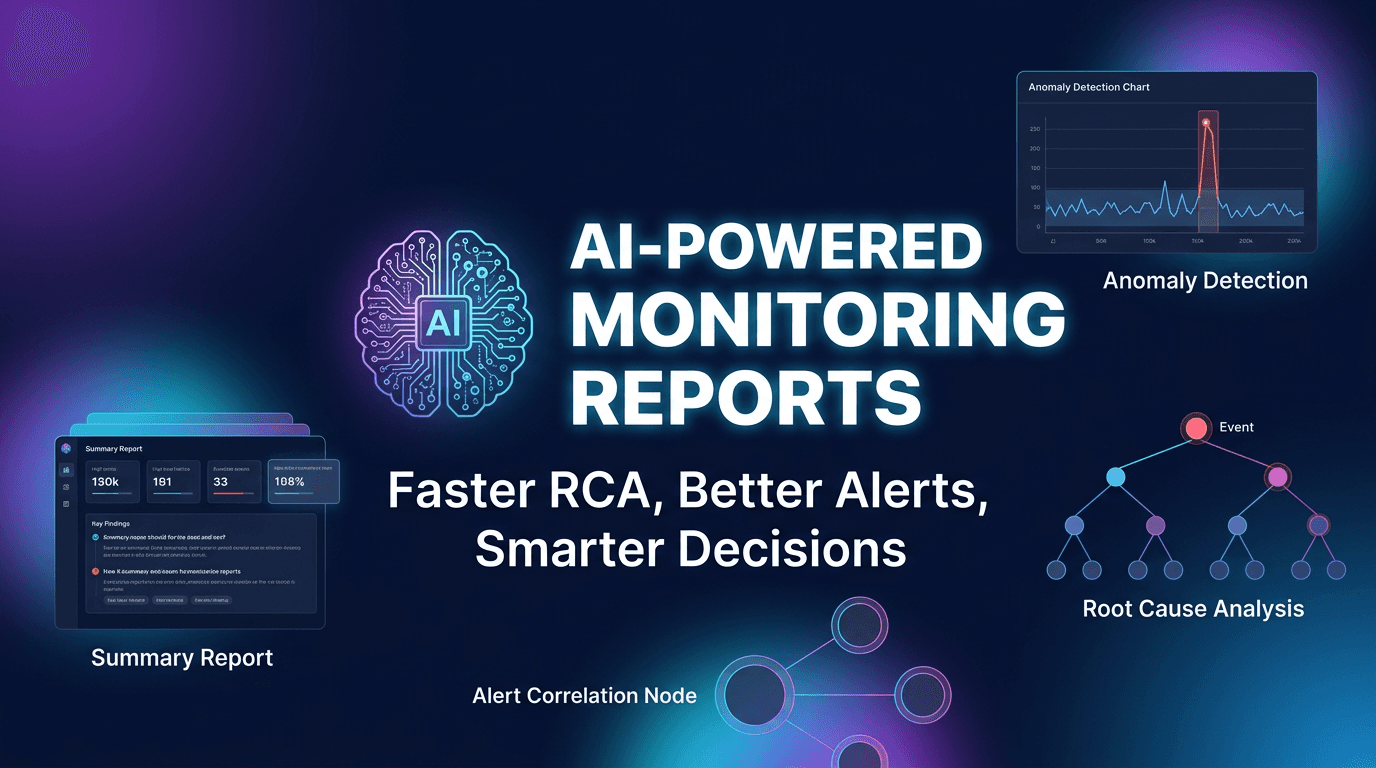
AI-powered monitoring reports are becoming a core part of modern observability because teams are drowning in data but still struggling to make fast, confident decisions. Dashboards keep growing, alerts keep multiplying, and incidents still often begin with confusion. People know something is wrong, but they do not know what changed first, which signals matter most, or what the likely next step should be.
This is the gap AI-enhanced reporting is designed to close. Instead of forcing humans to manually inspect dozens of graphs and disconnected events, AI-powered reports summarize what changed, highlight anomalies, correlate related failures, and suggest where responders should focus. In 2026, the value of AI in monitoring is not just automation. It is better prioritization, faster understanding, and much more useful reporting.
Why Traditional Monitoring Reports Fall Short
Classic monitoring reports are often descriptive but not actionable. They show uptime percentages, average latency, error counts, and maybe a summary of incidents. That is useful for recordkeeping, but not always for decision-making. Teams still need to inspect dashboards manually, compare signals, and guess which patterns matter.
This becomes even harder in environments with many services, tenants, integrations, or regions. A single incident may generate hundreds of alerts across APIs, databases, edge nodes, queues, and frontends. By the time someone manually traces the chain, minutes or hours may already be gone. AI reporting adds value by reducing this cognitive load and producing a more focused narrative from the raw data.
What AI-Powered Monitoring Reports Actually Do
The best AI-powered monitoring reports do not replace monitoring. They sit on top of it and interpret it. They analyze metrics, alert timing, historical baselines, service relationships, and behavioral patterns to produce a more useful summary of system health. Instead of just listing issues, they identify patterns and explain what is unusual.
This includes several major capabilities: anomaly detection, alert correlation, probable root cause analysis, trend summarization, predictive forecasting, and action prioritization. When done well, AI reporting helps teams spend less time collecting context and more time responding intelligently.
Capability 1: Anomaly Detection Beyond Static Thresholds
Static thresholds are useful, but they are blunt tools. A metric may drift in a meaningful way long before it crosses a hard threshold. For example, p95 latency might rise gradually every day, CPU usage may show a new pattern at specific hours, or error rates may become irregular only in one region. Humans often miss these subtle changes until they become severe.
AI-based anomaly detection helps by learning expected behavior and flagging deviations from normal patterns. That includes time-of-day behavior, day-of-week cycles, seasonal traffic, and historical volatility. Good anomaly reporting gives teams an earlier signal and often catches problems that threshold-based alerting either misses or notices too late.
Capability 2: Alert Correlation and Noise Reduction
One of the biggest practical wins of AI reporting is alert correlation. During incidents, alerts tend to multiply across connected systems. A database slowdown causes API timeouts, which creates frontend failures, which triggers business metric drops. Traditional monitoring may show all of these signals separately. AI reporting can group them into a smaller set of connected events.
This is valuable because responders do not need more notifications. They need better context. An AI-generated report that says "most downstream errors appear related to a spike in database latency that began first in one region" is far more useful than fifty red widgets. Noise reduction is often the fastest route to better incident response.
Capability 3: Faster Root Cause Analysis
Root cause analysis is one of the hardest and most expensive parts of incident response. It usually requires comparing timestamps, reviewing dependencies, checking historical behavior, and determining which symptom is the cause versus the consequence. AI can speed this up by ranking likely causes based on sequence, topology, and historical similarity.
This does not mean AI is always correct. It means it can often narrow the search field dramatically. If the report points to one service, one region, or one pattern that strongly resembles a known failure mode, responders gain a much better starting point. Even partial guidance can cut time to understanding significantly.
Capability 4: Better Executive and Operational Summaries
Different audiences need different reports. Engineers need details. Leaders need impact summaries. Customer-facing teams need a version that translates technical behavior into business meaning. Traditional reporting often forces everyone to use the same dashboard and then interpret it differently.
AI-powered reporting can tailor summaries for different roles. An operational summary may focus on what changed, what is affected, and what to check next. An executive summary may focus on duration, affected services, customer risk, and trend severity. This improves communication quality and reduces the friction between technical and non-technical stakeholders during and after incidents.
Capability 5: Predictive Insights and Planning
AI reports are not only useful during incidents. They also help teams plan. By analyzing trends over time, AI can forecast likely saturation points, rising error budgets, recurring traffic patterns, and capacity risks before they turn into outages. This shifts teams from reactive firefighting toward preventive action.
Examples include predicting when latency will exceed an SLO under current growth, spotting noisy-neighbor behavior in multi-tenant systems, or identifying patterns that suggest a service becomes unstable after certain release windows. Forecasting will never be perfect, but even directional insight can improve planning quality when supported by good data.
Best Practice 1: Feed the AI Good Monitoring Data
AI reporting quality depends on input quality. If your monitoring coverage is incomplete, noisy, or inconsistent, the report will reflect that weakness. Teams should ensure the AI layer can access meaningful data from uptime checks, API monitoring, infrastructure metrics, logs, alert timelines, and where possible, dependency relationships.
This is one reason integrated platforms often perform well: they already understand the connection between checks, incidents, and service categories. Even the best AI model cannot create clarity from fragmented, low-quality signal inputs. Start with monitoring discipline first, then let AI improve the interpretation layer.
Best Practice 2: Keep Humans in the Loop
AI-powered monitoring reports should guide people, not replace judgment. Infrastructure and product behavior always contain local context that models may not fully understand. A release window, marketing campaign, migration step, or customer event may explain a pattern that looks anomalous to the system.
The best operational model is collaborative. AI highlights anomalies, ranks likely causes, and summarizes relevant context. Humans confirm, investigate, and decide. This gives teams the speed of machine-assisted pattern recognition without creating blind trust in automation.
Best Practice 3: Use AI Reports to Improve Alerts
A strong AI reporting program does not just consume alert data. It helps improve alert strategy over time. If AI consistently identifies the same low-value alerts as downstream noise, teams can reduce or reclassify them. If reports repeatedly show one metric as an early warning signal, teams can elevate it into a better detection threshold.
In other words, AI reporting should become a feedback loop for monitoring quality. Over time, it can help teams shift from alert quantity toward alert quality, which is one of the most valuable operational improvements any platform can make.
Best Practice 4: Tie Reports to Business Impact
Monitoring reports become far more useful when they connect technical anomalies to customer or business outcomes. A latency spike matters more if it affected signup conversion. An authentication slowdown matters more if it impacted enterprise logins across a region. AI reports should make this connection wherever possible.
This is where integrated platforms have a major advantage. If monitoring data can be viewed alongside traffic, usage patterns, and service criticality, the AI can produce reports that help teams prioritize based on impact instead of raw technical volume.
Common Mistakes to Avoid
The first mistake is expecting AI to create value instantly without clean historical data. Most models need baseline behavior to become useful. The second mistake is treating AI summaries as unquestionable truth. Reports should accelerate investigation, not end it. A third mistake is generating AI reports nobody reads or operationalizes. If reports do not feed daily workflows, retrospectives, or planning, they become decorative.
Another mistake is asking AI to compensate for poor monitoring fundamentals. Missing ownership, weak thresholds, and bad coverage cannot be solved by summary generation alone. AI improves monitoring maturity, but it does not substitute for it.
What to Look for in an AI Monitoring Reporting System
The strongest systems combine anomaly detection, correlation, historical baselines, explainable summaries, and actionable next steps. It helps if the system can show why a conclusion was made instead of presenting opaque confidence with no context. Teams should also look for scheduled reporting, role-based summaries, and easy linkage back to raw evidence like metrics, incidents, or related checks.
Explainability matters. The most useful AI report is not the one with the most impressive wording. It is the one that helps operators trust the direction enough to move faster without losing critical detail.
AI-powered monitoring reports are becoming valuable because modern infrastructure creates too much signal for humans to interpret manually at speed. The best use of AI in monitoring is not to generate fancy summaries. It is to reduce noise, surface anomalies earlier, accelerate root cause analysis, and improve decision quality across teams.
In 2026, the organizations getting the most value from AI reporting are the ones that pair it with strong monitoring foundations, clear ownership, and practical workflows. Used that way, AI becomes less about hype and more about operational leverage.