


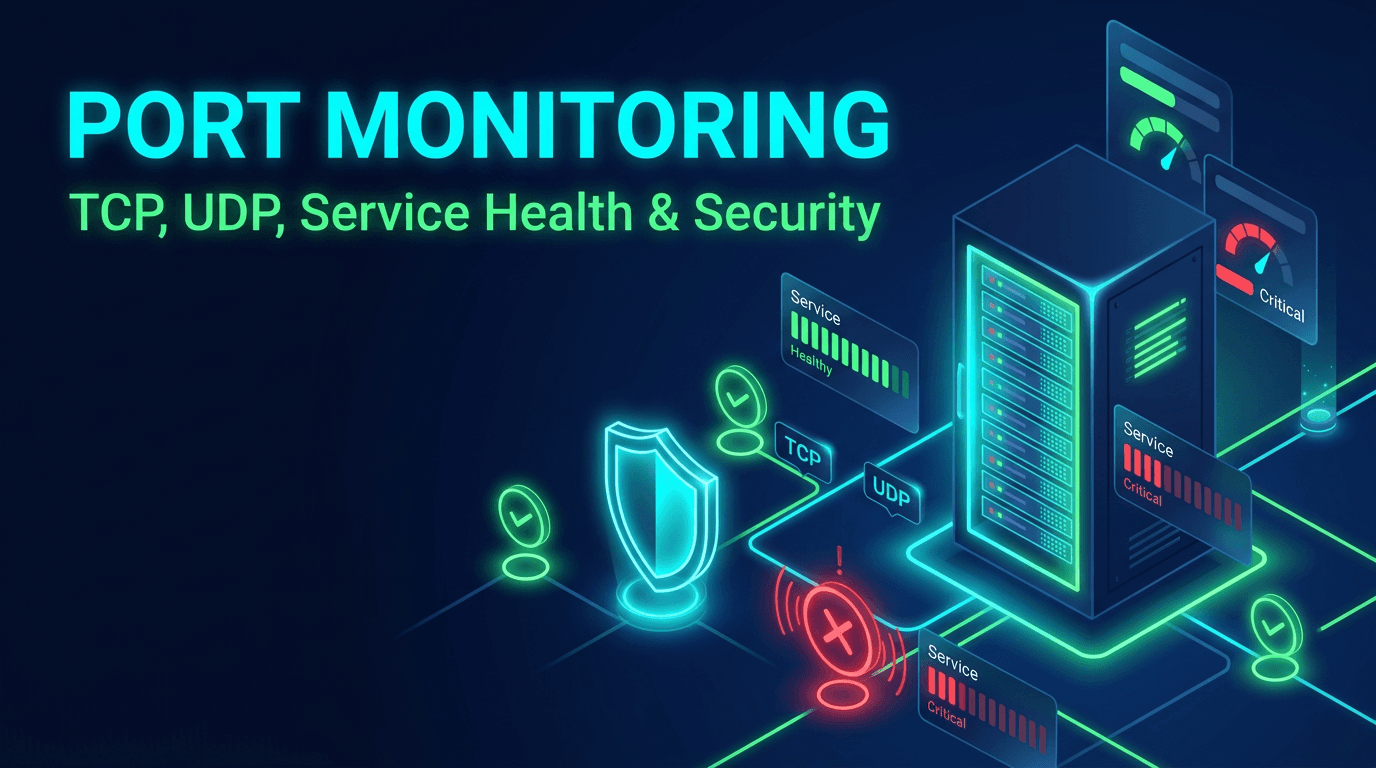
Open port monitoring sits at the intersection of infrastructure reliability and security visibility. Teams often think about ports in only one of those contexts. Operations teams focus on whether services are reachable. Security teams focus on whether services are exposed. In reality, both questions matter at the same time. A critical port can fail silently and break the application. It can also become reachable from the wrong place and create a security problem before anyone notices.
That is why a practical monitoring checklist for open ports is so valuable in 2026. Cloud services, container platforms, ingress layers, service meshes, and infrastructure-as-code pipelines change network exposure quickly. If teams do not continuously validate which ports are open, where they are reachable, and how they behave over time, they leave important blind spots in both uptime and security posture.
Start With an Approved Baseline
The first step in open port monitoring is deciding what should be open at all. Every environment should have an approved baseline that maps services to expected ports, protocols, source visibility, and ownership. Without that baseline, alerts become confusing because nobody knows whether an observed exposure is valid or accidental.
This is especially important in fast-moving cloud environments where services are created and reconfigured often. An approved baseline gives teams a reference point for both health and security. It answers basic but essential questions: which ports are expected, which are internet-facing, which are internal only, and which are especially sensitive?
Identify the Ports That Matter Most
Not every open port carries the same risk. A public web port is normal. A public database port may be a critical exposure problem. An internal queue port may be essential for application health but irrelevant from the public internet. Monitoring should reflect those differences.
Critical ports often include database services, caches, brokers, bastions, mail relays, DNS services, VPN endpoints, and any application-specific ports tied directly to core workflows. These should receive stronger monitoring, clearer ownership, and faster escalation than low-risk or temporary development ports.
Check Reachability and Scope Together
A port being open is not enough information on its own. The more useful question is whether it is open from the right places. A service may be correctly reachable internally and incorrectly reachable externally. Another may be intentionally public but currently unreachable in one region. Both are important, but they mean very different things.
Strong monitoring therefore checks both health and scope. Can the expected client reach the service? Can an unexpected source also reach it? That dual perspective is what turns open port monitoring into a meaningful control rather than a simple connectivity test.
Track Connection Success and Connection Time
Port monitoring should include connection quality, not only port state. A service port may continue accepting connections while connect time gradually worsens due to saturation, load, firewall inspection, or infrastructure contention. Those delays often appear before complete service failure.
This matters most for critical dependencies such as databases, queues, and caches. Rising connection time is often an early warning that the service is under pressure. Monitoring it gives teams a chance to act before "slowly unhealthy" becomes "down."
Treat Public Exposure as a First-Class Alert
Unexpected public exposure deserves a different class of alert than simple reachability failure. If a service that should remain internal becomes reachable from the public internet, that is not just an infrastructure anomaly. It is a potential security incident.
The monitoring strategy should reflect that difference. Public exposure alerts should include service name, port, environment, expected policy, and owner. They should not be buried alongside routine health events. In many organizations, this is one of the most important outcomes of good port monitoring because it catches dangerous drift fast.
Include TCP and UDP Awareness
Open port monitoring often focuses on TCP because it is easier to validate. That makes sense, but it should not lead teams to ignore important UDP-based services. DNS, certain voice systems, gaming traffic, and other infrastructure layers may rely heavily on UDP.
The best checklist separates TCP and UDP expectations clearly. TCP services should be validated with connection and latency checks. UDP services should be tested in protocol-aware ways wherever possible. Treating both protocols as if they provide the same observability signal is a mistake.
Monitor From More Than One Perspective
A port can be healthy from inside the network and unreachable from a customer-facing route. The reverse can also be true: publicly reachable but blocked from an expected internal path after a network change. Monitoring from a single perspective misses these differences.
Use internal and external monitoring where appropriate. Internal monitoring validates application dependency health. External monitoring validates exposure and customer path reachability. Combined, they create a far more complete view of whether the port is both healthy and correctly positioned.
Tie Ports to Services and Business Impact
Port alerts become much more actionable when they clearly state which service sits behind the port and what business capability depends on it. "Port 5432 unreachable" is less useful than "Primary billing database unreachable." Technical details still matter, but service identity and business context help responders prioritize faster.
This is one of the simplest improvements teams can make. Every monitored port should map to a service name, environment, owner, and impact label. That small amount of metadata makes monitoring much easier to use under pressure.
Use Confirmation Logic to Reduce Noise
As with other infrastructure signals, a single failed port connection does not always justify a high-severity alert. Deployments, brief route churn, or short-lived pressure can cause momentary failures. If the alert system pages on every isolated miss, fatigue grows quickly.
Use consecutive failure logic, rolling windows, or multi-location confirmation where relevant. That keeps the signal cleaner without sacrificing real detection speed. A checklist is only useful if the alerts it creates remain trusted by the people receiving them.
Review Port History Regularly
Historical visibility matters for both operations and security. Teams need to know when a port first became exposed, whether it has shown recurring instability, and how often connection quality degrades around release windows or traffic peaks. Without history, every event is treated like an isolated surprise.
Historical analysis also supports audits and post-incident work. It allows teams to answer the kind of questions leaders and reviewers actually ask: how long was the port exposed, when did the instability begin, and did the condition recur before?
Common Mistakes to Avoid
One common mistake is monitoring only ports 80 and 443 and assuming everything important will surface through web checks. Another is treating an open port as proof the underlying service is healthy. Teams also often forget to monitor unexpected exposure and focus only on downtime. That leaves a major security gap.
Another mistake is failing to update the port inventory as infrastructure evolves. In containerized and cloud-native environments, change happens quickly. Monitoring must change with it or it stops being representative.
What to Look for in a Port Monitoring Platform
The best platforms support TCP and relevant UDP checks, baseline comparison, flexible alert routing, connection time visibility, internal and external perspectives, and easy mapping from port to service owner. Integration with uptime, API, or broader infrastructure monitoring is also valuable because it helps responders correlate symptoms faster.
The system should make it easy to answer four practical questions: is the port reachable, is that reachability expected, is it degrading, and who owns the service behind it? If it can answer those consistently, it is delivering real value.
Critical open port monitoring matters in 2026 because network exposure and service reachability both change faster than many teams realize. A port can become unavailable and break production. It can also become exposed and create unnecessary risk. The same monitoring layer should help detect both.
With a baseline, good ownership, dual-perspective checks, and clean alert logic, port monitoring becomes one of the most useful practical controls in a modern infrastructure stack. It gives teams visibility where reliability and security overlap, which is exactly where many avoidable incidents begin.