


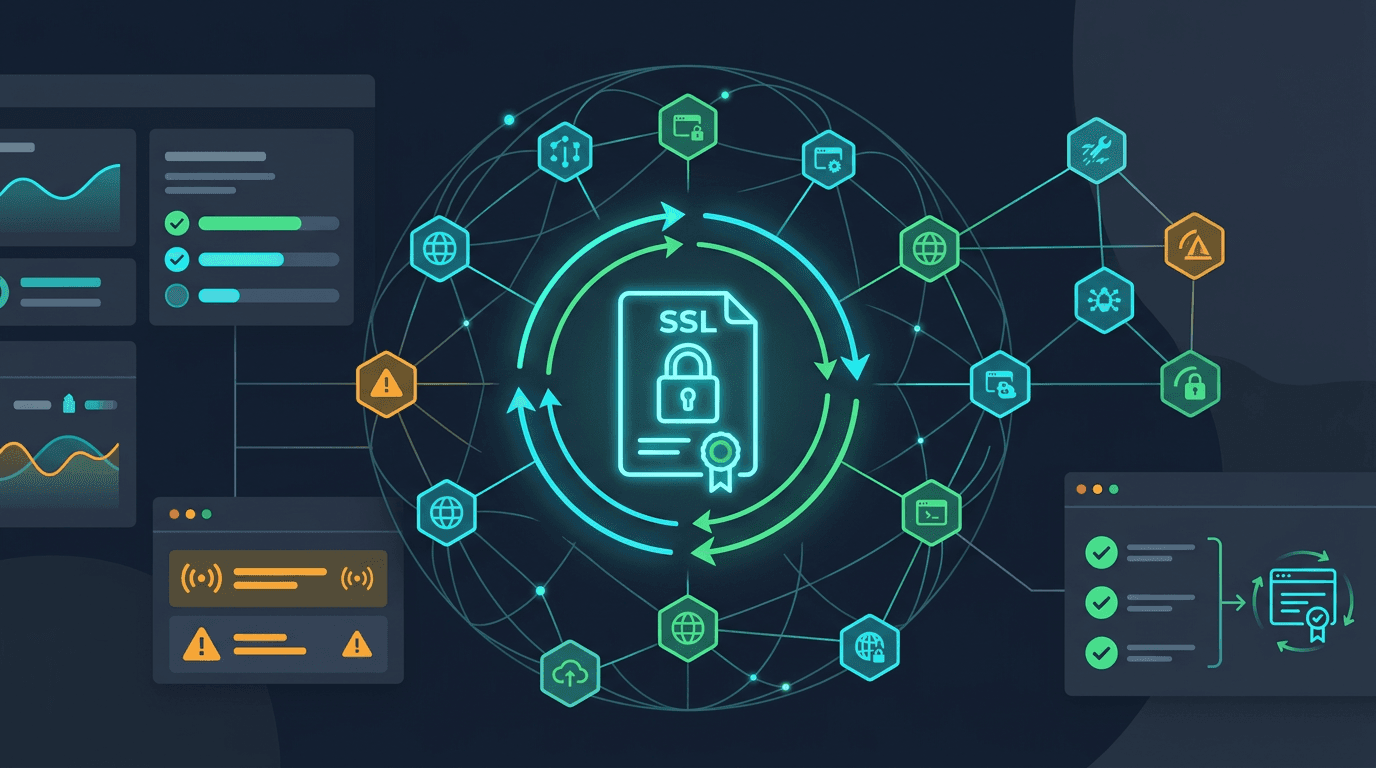
Automating SSL certificate renewal at scale is not just about turning on auto-renew. The real challenge is building a system that can continuously see which certificates exist, detect when renewals fail, confirm that new certificates were deployed to the live edge, and alert the right team before customer trust is affected. That distinction matters because many organizations already use automated renewal tools and still experience certificate-related incidents.
At small scale, a team can survive with a few scripts and calendar reminders. At large scale, that approach breaks down fast. Modern environments include websites, APIs, tenant subdomains, CDN edges, ingress controllers, reverse proxies, load balancers, and third-party endpoints. A certificate can renew successfully in one layer while the public-facing environment keeps serving an old or broken certificate somewhere else. That is why renewal automation and renewal monitoring must work together.
Why Renewal Automation Alone Is Not Enough
Many teams assume that once they adopt ACME, Certbot, cert-manager, or a managed cloud renewal service, the problem is solved. That helps, but it does not remove operational risk. Certificate issues at scale are rarely caused by the idea of renewal itself. They are caused by the steps around it.
A renewal can fail because DNS validation changed, API credentials expired, rate limits were reached, or permissions drifted. It can also succeed technically and still fail operationally because the updated certificate never reaches the production CDN, reverse proxy, or regional edge node that users connect to.
That is why monitoring has to answer more than "Did a renewal job run?" It needs to answer:
- which certificates are approaching expiration
- which renewals are due soon
- which renewal attempts failed or stalled
- whether the renewed certificate is actually live
- whether every required hostname is still covered
- whether all edges and regions are serving the same trusted chain
Without that visibility, automation creates false confidence instead of resilience.
Step 1: Build a Real Certificate Inventory
You cannot automate what you do not know exists. The first requirement for renewal monitoring at scale is a reliable inventory of every certificate that matters. That includes production websites, APIs, customer subdomains, staging environments, internal admin tools, ingress endpoints, VPNs, mail services, and any infrastructure component that exposes TLS to users or systems.
For each certificate, store the key operational context:
- covered domains and SANs
- issuing certificate authority
- expiration date
- renewal method or automation source
- deployment target
- business criticality
- owner or responsible team
This inventory becomes the source of truth for alerting, reporting, and ownership. It also helps prevent the most common enterprise certificate problem: forgotten certificates sitting on inherited infrastructure until they fail publicly.
Step 2: Standardize the Renewal Path
At scale, inconsistency is risk. If one team uses ACME DNS validation, another uses manual procurement, another uses cloud-managed certificates, and a fourth uses a custom pipeline with no shared monitoring, visibility becomes fragmented.
The goal is not forcing one tool everywhere if the environment does not allow it. The goal is standardizing how renewal events are observed. Every renewal path should emit status signals into a central monitoring layer. That might include:
- scheduled renewal attempts
- success or failure results
- challenge validation status
- deployment hook execution
- service reload or certificate sync events
Once these signals are centralized, your team can monitor renewal health consistently even when the issuance methods differ underneath.
Step 3: Alert on Renewal Risk Before Expiration
Expiration alerts are still critical, but scale requires more context than a simple countdown. A strong setup combines expiry thresholds with renewal-state alerts. That way you know not only when a certificate is getting close to expiration, but also whether its automation is behaving normally.
A practical alert model often includes:
- 30 days before expiration for planning and owner confirmation
- 14 days before expiration if renewal has not completed
- 7 days before expiration for escalation
- immediate alerts on renewal job failure
- immediate alerts if a deployment hook fails
- urgent alerts if the live endpoint still serves the old certificate
This is what moves monitoring from passive reporting to active risk prevention. The system is not waiting for expiration. It is watching for signals that expiration risk is building.
Step 4: Validate Live Deployment, Not Just Renewal Success
This is the step many teams miss. A renewal job may complete successfully, but customers still hit the old certificate because it was never pushed to the CDN, synced to every load balancer, or reloaded into the service that terminates TLS.
At scale, live validation is essential. Your monitoring should connect to the public endpoint and inspect the actual certificate being served after renewal. That check should confirm:
- the new expiration date is visible
- the expected issuer is present
- the SAN list still matches required domains
- the certificate chain is valid
- each monitored region is seeing the updated certificate
If the endpoint is still serving the old certificate, the renewal is not done. This external verification step is what closes the gap between internal automation and real-world customer experience.
Step 5: Use Multi-Region and Multi-Path Checks
Large environments do not always behave consistently. One edge location may update while another remains stale. IPv4 may be correct while IPv6 is not. A direct hostname might serve the new certificate while the CDN route serves the old one.
That is why scale monitoring should test certificates from multiple regions and, when relevant, across multiple access paths. This catches partial deployments and geography-specific trust failures before customers report them.
For global products, this is especially important because certificate incidents often begin as regional issues. A single-region validation check may tell you everything looks healthy while a market you care about is already seeing trust warnings.
Step 6: Add Ownership and Escalation Rules
Automation reduces manual effort, but it does not remove accountability. Every critical certificate still needs an owner or owning team. Without ownership, alerts go to shared channels, nobody acts, and certificates drift toward expiration under the assumption that someone else is watching.
At scale, ownership should be part of the monitoring model itself. Each certificate record should map to a responsible team, a severity level, and an escalation route. Revenue-critical domains, login endpoints, customer APIs, and SEO landing pages should have more aggressive escalation than low-risk internal services.
This keeps monitoring aligned with business impact. The certificate protecting a checkout flow should not be treated the same as a test environment on an isolated internal host.
Step 7: Monitor Renewal Systems for Silent Failure
One of the biggest risks in automated renewal is silent failure. The renewal scheduler stops running. Credentials expire. DNS propagation delays break validation. A deploy hook fails quietly. Rate limits interfere with retries. The team assumes automation is working because nobody has heard otherwise.
That is why you should monitor the automation system itself, not only the certificate object. Good scale visibility includes:
- last successful renewal attempt
- next scheduled renewal window
- failure counts and retry behavior
- rate-limit or quota-related issues
- challenge validation errors
- deploy-hook success or failure
This gives operators a way to detect system degradation before it becomes certificate expiration.
Step 8: Use Dry Runs and Controlled Testing
At large scale, certificate automation should be tested like any other production workflow. Renewal paths should support dry runs, non-production validation, and alert routing tests. That helps teams confirm that challenge solving, deploy hooks, and service reloads still work after infrastructure changes.
This matters because certificate incidents often follow unrelated changes. A DNS update, proxy migration, permission change, or cloud reconfiguration can quietly break the renewal path weeks before the certificate is due. Testing catches these breaks earlier than waiting for the next real renewal window.
Step 9: Unify Certificate Monitoring With Broader Reliability Signals
Certificate health should not live in isolation. At scale, the strongest teams view certificate monitoring alongside uptime, domain monitoring, API monitoring, and incident workflows. That integrated view helps identify cause and effect faster.
For example, if a certificate renewal fails at the same time DNS changes are detected, the root cause becomes easier to spot. If a trust warning appears alongside a regional outage pattern, the issue may point to a stale CDN edge or broken regional deployment. The more connected your observability becomes, the faster certificate incidents stop being mysteries.
Common Mistakes to Avoid
Several mistakes repeatedly undermine large-scale certificate automation:
- assuming auto-renew means no monitoring is needed
- storing certificate ownership outside the monitoring system
- validating renewal success without checking the live endpoint
- monitoring only the main domain and ignoring APIs, subdomains, and tenant hosts
- using one-region checks for global infrastructure
- failing to test renewal workflows after infrastructure changes
These are process gaps more than technical gaps. The good news is that they are preventable once monitoring is designed around operational reality rather than certificate theory.
Final Thoughts
To automate SSL certificate renewal monitoring at scale, you need more than issuance automation. You need a full operating model: certificate inventory, centralized status signals, layered alerting, live deployment validation, multi-region checks, clear ownership, and monitoring of the renewal system itself.
That is what makes the process reliable in real environments. Renewal should not be considered complete when a background job says success. It should be considered complete when the correct certificate is visible on the live endpoint everywhere it matters, with enough time remaining that the business never notices there was risk.
For fast-growing SaaS products, multi-domain businesses, and distributed infrastructure teams, this kind of monitoring turns certificate renewal from a recurring operational fear into a repeatable, low-drama process. That is the real goal of automation at scale.