


Alert fatigue is one of the most expensive hidden problems in operations. Teams may have plenty of monitoring coverage, but if the signal is noisy, duplicated, or poorly prioritized, the end result is slower response and weaker trust in the monitoring system itself. Engineers begin to expect false positives. Important warnings blend into routine chatter. Eventually the organization has data everywhere and clarity nowhere.
This is where AI is starting to provide real operational value. In 2026, the strongest use of AI in monitoring is not flashy dashboards or generic summaries. It is helping teams reduce alert fatigue by grouping related signals, identifying likely root causes, suppressing repetitive noise, and highlighting what deserves attention first. Used well, AI does not replace operators. It helps them focus.
Why Alert Fatigue Happens
Most alert fatigue comes from structure, not volume alone. Modern systems are distributed, so one incident often creates alerts across many layers at once. A database slowdown may trigger queue delay alerts, API timeouts, frontend failures, business metric drops, and infrastructure warnings. Each alert is technically correct, but together they overwhelm responders.
Fatigue also grows when alert thresholds are static, ownership is unclear, and alerts are designed around individual components rather than business impact. In that environment, operators receive lots of signals but little guidance. The issue is not just too many alerts. It is too many alerts with too little prioritization.
AI Helps by Correlating Signals
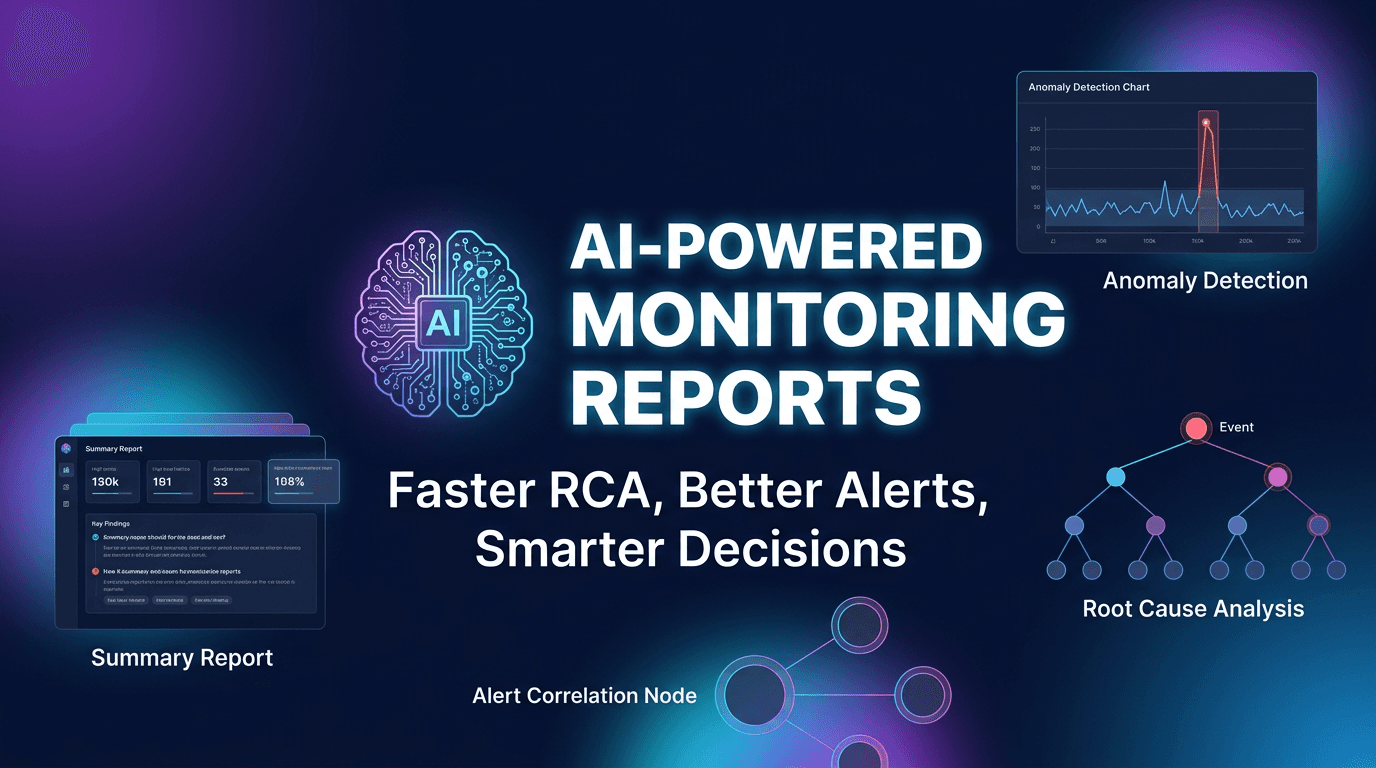
One of the biggest sources of noise is alert duplication. Several systems may report different symptoms of the same problem. AI can help by analyzing timing, dependencies, and historical patterns to identify when many alerts probably belong to one underlying event.
Instead of asking responders to parse ten red panels, the system can group them into a likely incident story. For example, it may identify that API failures, database latency, and region-specific errors all began after one infrastructure change or one backend slowdown. This reduces cognitive load dramatically and gives the team a better starting point for response.
AI Improves Prioritization
Not all alerts matter equally. A brief latency spike on an internal reporting endpoint should not compete with a checkout failure or authentication outage. AI can help prioritize alerts by combining technical severity, historical importance, service ownership, and business criticality.
This kind of prioritization is valuable because it helps teams spend attention where impact is highest. In practice, many operations teams do not suffer from too little data. They suffer from too little ranking of the data that matters most. AI is useful here because pattern-based prioritization can happen faster and more consistently than purely manual review.
AI Can Suppress Repetitive Noise
Some alerts are individually correct but operationally unhelpful. A dependency issue might trigger dozens of downstream messages. A brief deployment event may create expected transient errors. A repeating edge-case warning may be technically real but rarely actionable. AI can learn these patterns and help suppress or downgrade them.
The goal is not to hide real problems. It is to reduce repeated, low-value interruptions that train people to ignore the system. Noise suppression is one of the most practical ways AI can improve monitoring quality because trust rises when the alerts that remain are more meaningful.
AI Supports Faster Root Cause Triage
Responders lose time when they must manually compare timestamps, dashboards, and system relationships before deciding where to look. AI can accelerate this early triage by surfacing likely origins based on timing, topology, and incident similarity. Even if the model is not perfectly correct, narrowing the search field saves time.
For example, if an alert storm begins after a spike in one service that historically precedes similar incidents, the AI can highlight that pattern. That does not remove the need for investigation. It simply helps the team start closer to the probable cause instead of scanning everything equally.
Alert Fatigue Is Also a Workflow Problem
AI works best when it improves an existing monitoring process rather than sitting on top of chaos. Teams still need alert ownership, severity models, maintenance windows, and sensible threshold design. Otherwise AI is forced to interpret a system that is already structurally weak.
This is important because some organizations expect AI to compensate for poor alert hygiene. It cannot. It can improve a workflow, but it does not remove the need for good fundamentals. The highest-value results come when AI is used to refine and prioritize an already intentional alerting strategy.
Use AI to Review Alerts Over Time
One of the most valuable but less discussed uses of AI is retrospective alert analysis. Instead of only helping during incidents, AI can analyze which alerts were actionable, which were duplicates, which arrived too late, and which thresholds were too sensitive or too weak. This turns the alert system into something that can improve over time.
Teams that use AI this way can gradually reduce noise without losing coverage. Over several review cycles, they often discover the same patterns: low-value alerts that never lead to action, warnings that should have been grouped, or early indicators that deserve more attention. That feedback loop is where long-term alert quality really improves.
Business Context Makes AI More Useful
AI-powered prioritization becomes stronger when technical alerts are connected to business context. An anomaly affecting a low-traffic internal tool is not the same as one affecting customer login or checkout. If the AI system understands service criticality, traffic patterns, or recent deployment activity, its ranking becomes more useful.
This is one reason integrated monitoring platforms often outperform isolated tools. When AI can see uptime, API health, traffic behavior, and incident timing together, it has a much better chance of producing actionable prioritization instead of generic noise filtering.
Common Mistakes to Avoid
One common mistake is assuming AI should automatically close or mute everything noisy. That can create blind spots fast. Another is trusting AI-generated prioritization without reviewing whether it matches operational reality. Teams also make the mistake of adding AI summaries but never adjusting the underlying alerts, which means the same weak structure remains in place.
A final mistake is failing to explain why an alert was grouped or deprioritized. Operators trust systems more when they can see the evidence behind the conclusion. Explainability matters, especially in incident response.
What to Look for in AI Alerting Features
The most useful AI alerting features include correlation, deduplication, probable root-cause hints, severity ranking, historical incident comparison, and post-incident alert analysis. It also helps if the system can connect directly to alert routing and incident workflows rather than existing only as a passive report generator.
Above all, the system should make it easier to answer a few practical questions: what changed first, what matters most right now, what can be grouped, and where should the responder look first? If it can answer those, it is reducing fatigue in a meaningful way.
AI reduces alert fatigue in 2026 not by replacing operators, but by helping them handle complexity with more focus. It groups related events, filters repetitive noise, ranks impact more intelligently, and shortens the path from alert to understanding. That is real value in environments where attention is scarce and incidents move fast.
The teams getting the most benefit from AI are the ones using it to improve alert quality, not just alert presentation. When combined with good ownership, thoughtful thresholds, and incident discipline, AI becomes a practical force multiplier for monitoring rather than just another layer of tooling.