


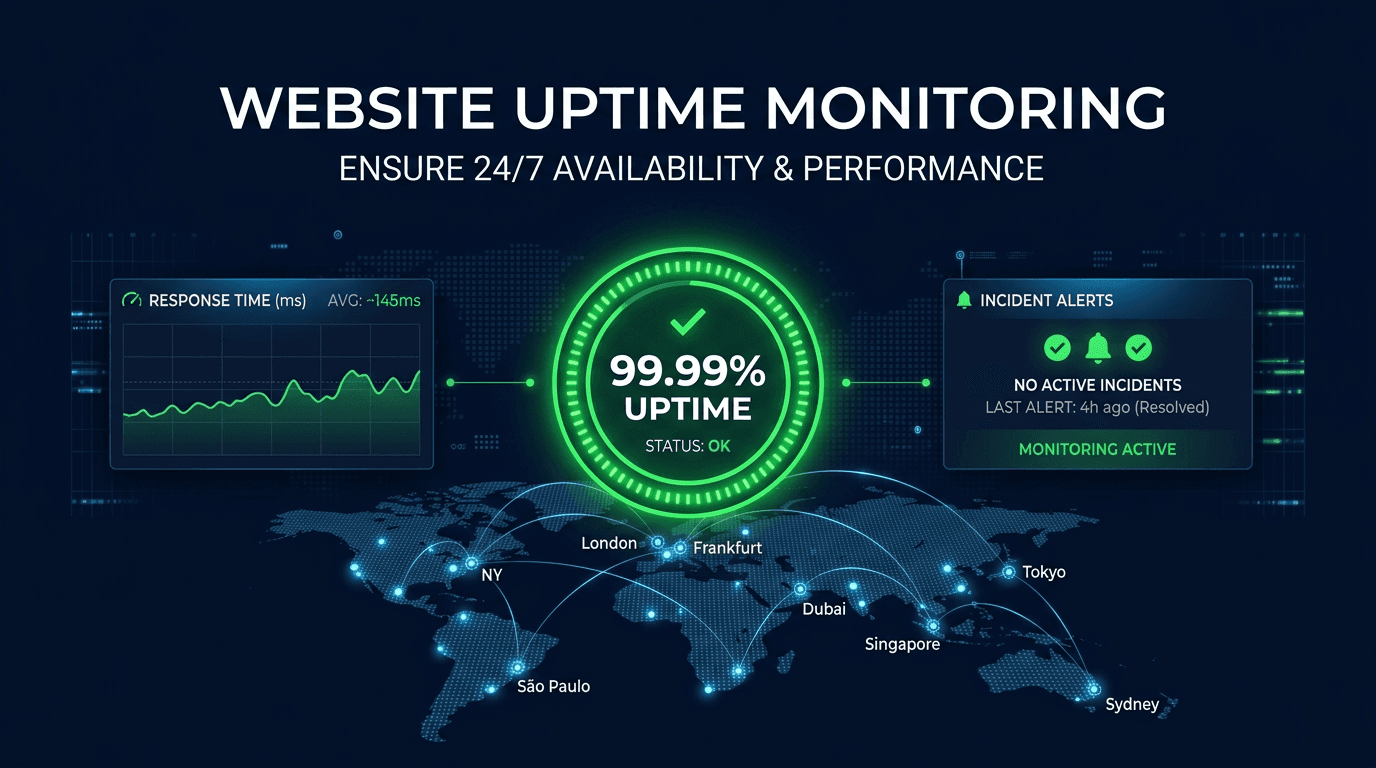
Website uptime monitoring is the practice of automatically checking whether a website or web application is accessible and functioning correctly at regular intervals from multiple locations around the world. When a check detects that a site is unreachable or returning errors, the monitoring system sends an alert so the responsible team can investigate and restore service before most users notice. In an economy where the average cost of downtime reaches $5,600 per minute for online businesses, uptime monitoring is no longer optional — it is a fundamental operational requirement.
Why Website Uptime Monitoring Matters
Revenue Protection
Every second a website is down, potential customers leave and revenue disappears. E-commerce sites lose an average of $4,000 to $8,000 per minute of unplanned downtime, and SaaS applications face churn when users encounter repeated outages. Proactive monitoring detects failures within seconds rather than hours, dramatically reducing the financial impact of incidents.
SEO and Search Rankings
Search engines penalize websites with frequent downtime or slow response times. Google's crawlers track availability, and a site that is down during a crawl may see its pages de-indexed or pushed lower in search results. Consistent uptime signals reliability to search engines, contributing to stronger organic rankings and sustained traffic over time.
Customer Trust and Brand Reputation
88% of users say they will not return to a website after a bad experience, and downtime is the worst experience possible — the site simply does not exist for those visitors. A single high-profile outage can generate negative social media attention that persists long after the technical issue is resolved. Monitoring helps prevent these trust-damaging events.
Core Metrics to Track
Availability Percentage
Availability is expressed as a percentage of total time a site is accessible. The industry standard target is 99.9% uptime, which allows roughly 8.76 hours of downtime per year. Higher-tier services target 99.99% (52 minutes per year) or 99.999% (5 minutes per year). Understanding your SLA target determines how aggressively you need to monitor and respond.
Response Time
Response time measures how long it takes a server to return data after receiving a request. Track the median (p50), 95th percentile (p95), and 99th percentile (p99) to understand both typical and worst-case performance. A rising p99 often signals an emerging problem before average response times visibly degrade.
Time to First Byte (TTFB)
TTFB isolates server-side processing time from network transfer time. It includes DNS lookup, TCP connection, TLS handshake, and server processing. A TTFB above 600ms is a warning sign that backend performance needs attention, regardless of how fast the frontend renders.
Error Rate
Track the ratio of failed checks to total checks over rolling time windows. A spike in 5xx errors indicates server-side problems, while 4xx spikes may reveal broken redirects, removed pages, or configuration issues that affect user experience.
Best Practices for Effective Monitoring
Monitor From Multiple Geographic Locations
A site can be perfectly accessible from one region while completely unreachable from another due to DNS propagation delays, CDN edge failures, or ISP routing issues. Use at least 3 monitoring locations spread across continents to get an accurate global picture. Require 2 or more locations to confirm a failure before alerting — this eliminates false positives caused by localized network blips.
Set Appropriate Check Intervals
Production applications handling revenue should be checked every 30 to 60 seconds. Marketing sites and internal tools can use 3 to 5 minute intervals. Avoid intervals longer than 5 minutes for any public-facing service, because a 10-minute check interval means you could be down for nearly 10 minutes before anyone knows.
Validate More Than HTTP Status Codes
A server returning HTTP 200 does not guarantee the page is working. The database connection might be failing, returning a generic error page with a 200 status. Configure content validation that checks for expected keywords, validates response body length, and confirms that critical page elements are present.
Configure Multi-Channel Alerting
No single notification channel is reliable 100% of the time. Set up at least two channels — for example, Slack for team awareness and SMS or PagerDuty for critical production incidents. Define escalation policies: if the on-call engineer does not acknowledge within 10 minutes, alert the team lead; after 20 minutes, alert management.
Use Maintenance Windows
Schedule maintenance windows in your monitoring tool before planned deployments or infrastructure changes. This suppresses expected alerts while maintaining monitoring coverage for unexpected issues during the maintenance period. Always verify that performance returns to baseline after the window closes.
Common Use Cases
E-Commerce and Online Retail
Online stores depend on every page in the purchase funnel — product listings, cart, checkout, and payment processing. Monitoring each critical path separately ensures that a failure in the payment gateway does not go unnoticed while the homepage appears healthy.
SaaS Applications
SaaS products must meet SLA commitments to retain customers. Uptime monitoring provides the data needed for SLA reporting and gives early warning when error budgets are being consumed too quickly.
Content and Media Websites
Publisher revenue depends on ad impressions, which require pages to load. A CDN outage that serves stale or broken content can destroy an entire day's revenue without generating obvious server errors. Content validation catches these silent failures.
API-Dependent Services
Modern websites rely on dozens of third-party APIs for authentication, payments, analytics, and content delivery. Monitoring these integration points reveals when an upstream dependency is degrading your user experience.
Common Mistakes to Avoid
Monitoring Only the Homepage
The homepage is rarely where failures occur. Database-heavy pages, authenticated routes, and API endpoints are far more likely to break under load. Monitor the pages and paths that matter most to your business.
Ignoring SSL Certificate Expiry
An expired SSL certificate takes a site down just as effectively as a server crash, but produces a browser security warning instead of a connection error. Pair uptime monitoring with certificate expiration tracking to avoid this entirely preventable failure.
Alerting on Every Single Failure
A single failed check from one location does not necessarily mean your site is down. Configure confirmation thresholds — require 2 to 3 consecutive failures from multiple locations before escalating. This reduces noise and ensures your team responds only to real incidents.
Not Reviewing Alert Fatigue
If your team routinely ignores monitoring alerts, the monitoring is useless. Review alert rules monthly, tune thresholds, and eliminate or downgrade noisy alerts. Every alert should be actionable.
How UpScanX Handles Uptime Monitoring
UpScanX monitors websites from 15+ global locations with check intervals as frequent as every 30 seconds. Each check validates HTTP status codes, response times, and content integrity. When a failure is confirmed from multiple locations, alerts are delivered instantly through email, SMS, Slack, Discord, Microsoft Teams, PagerDuty, or custom webhooks.
The platform provides detailed performance dashboards with historical trend analysis, response time percentile tracking, and SLA compliance reporting. Maintenance windows prevent false alerts during planned deployments, and escalation policies ensure the right people are notified at the right time. Combined with SSL monitoring, domain tracking, and AI-powered analysis, UpScanX gives teams a single platform for comprehensive website reliability.
Website Uptime Monitoring Checklist
Before launching production monitoring, make sure you can answer these questions clearly: Which URLs are business-critical? How often should each one be checked? Which teams should receive alerts first? What counts as a confirmed failure? Which third-party dependencies must also be observed? Teams that define these rules upfront get far more value from monitoring because they reduce noise and shorten incident response time.
At a minimum, every production website should have homepage checks, checkout or conversion path checks, SSL validation, multi-region confirmation, and one escalation path that reaches a real human at any hour. That combination gives you both fast detection and meaningful signal quality.
Start monitoring your website uptime today with a free UpScanX plan — no credit card required.