


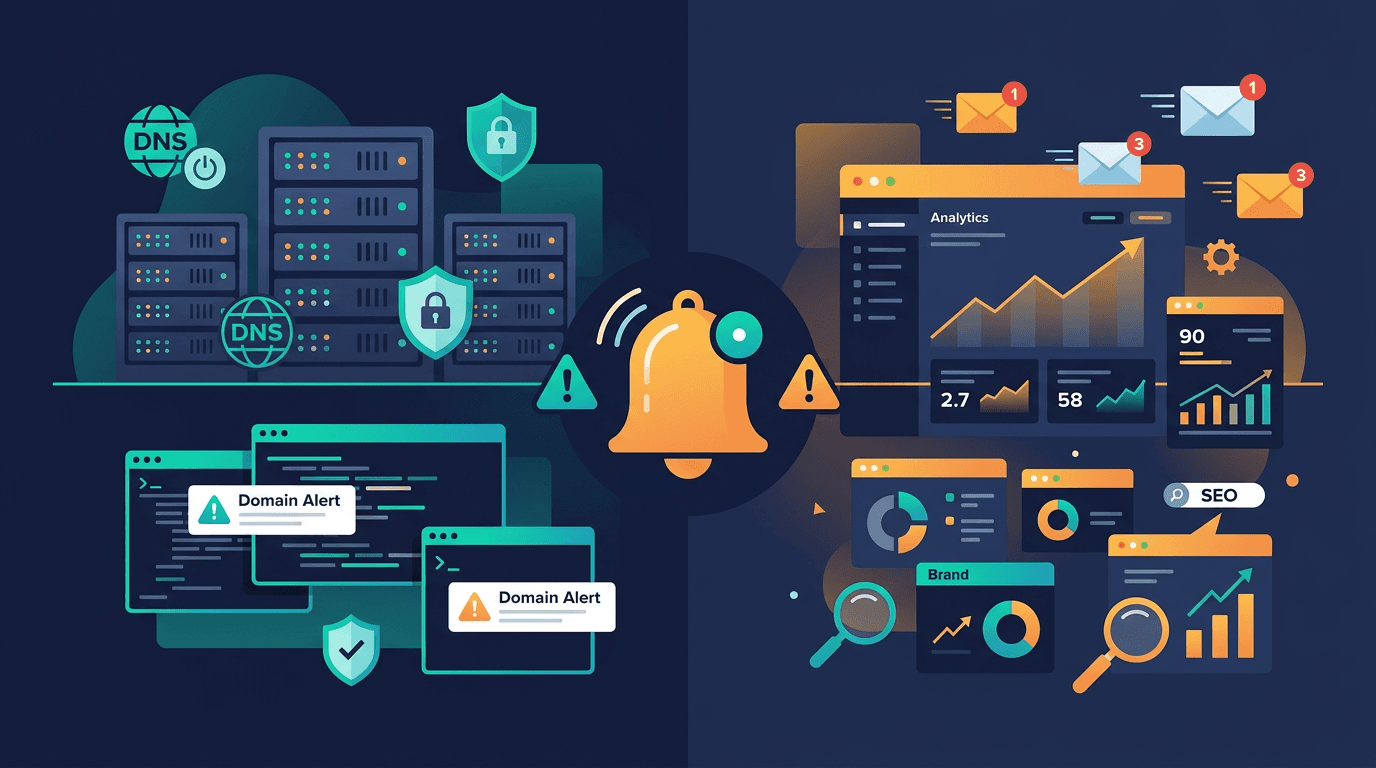
Domain monitoring alerts matter most when they surface real operational risk early enough for a team to act. But the challenge is that IT teams and marketing teams experience domain failures in very different ways. IT sees broken nameservers, expired registrations, and DNS resolution failures. Marketing sees dead campaign links, email deliverability drops, and lost organic rankings. Both are looking at the same domain, but through different lenses.
That difference is exactly why prioritizing domain alerts requires cross-functional thinking. The alerts that matter most are the ones that protect both infrastructure stability and business continuity at the same time. An alert that only one team notices or acts on is already half-broken.
Why IT and Marketing Experience Domain Failures Differently
When a domain-level incident happens, IT typically finds out through monitoring dashboards, failed health checks, or customer-facing error reports. The first instinct is to check DNS resolution, nameservers, hosting, and certificates. IT teams operate in terms of records, zones, and propagation.
Marketing finds out differently. A campaign link returns an error page. Organic traffic drops overnight with no code change. Customer emails start bouncing. A partner integration breaks because the API domain stopped resolving. By the time marketing escalates, the problem has already damaged traffic, trust, and revenue.
This gap is why alert design matters. The most useful domain alerts are the ones that reach the right people fast enough to prevent downstream damage, regardless of which team owns the response.
Alert Category 1: Domain Expiration Warnings
Domain expiration is the single most preventable cause of total domain failure. When a registration lapses, DNS resolution stops working and every service tied to that domain goes down simultaneously: website, email, APIs, subdomains, and third-party integrations.
For IT teams, this means sudden multi-system failure that is hard to diagnose quickly if the root cause is not immediately visible. For marketing teams, it means campaign URLs break, landing pages disappear, and email communications stop reaching customers.
Expiration alerts should be multi-stage. A single reminder 30 days before expiration is not enough for critical domains. Teams should receive alerts at 60, 30, 14, 7, 3, and 1 day before expiry. Early alerts are for billing verification and ownership confirmation. Later alerts are for direct escalation.
What makes this alert high priority:
- it affects every service simultaneously
- recovery takes time because registrar processes are not instant
- the problem is entirely preventable with early action
- it damages both IT reliability metrics and marketing KPIs at once
Alert Category 2: Nameserver Changes
Nameserver changes are among the highest-risk domain events because they affect the entire DNS zone at once. If nameservers are changed unexpectedly, every record under that domain can effectively be redirected or broken. Website traffic, email routing, API resolution, and subdomain services all depend on nameserver integrity.
For IT, an unauthorized nameserver change could indicate a hijack attempt, registrar breach, or accidental configuration error during migration. For marketing, the result is the same as a total outage: pages stop loading, tracking breaks, and customer trust erodes.
This alert should be treated as a high-severity event by default. Unless the change was planned and documented, a nameserver modification should trigger immediate investigation. Response speed matters here because the window between detection and customer impact can be very short.
What makes this alert high priority:
- it can redirect or break the entire domain instantly
- it may signal a security incident
- recovery requires registrar-level access, which takes time
- the blast radius includes every team that depends on the domain
Alert Category 3: DNS Record Modifications
Not all DNS changes are emergencies, but many of them carry operational risk that both IT and marketing need to understand. The key is distinguishing between expected changes and unexpected drift.
A and AAAA Record Changes
These records control where the website points. If an A record changes unexpectedly, web traffic may route to the wrong server, an old IP, or nowhere at all. IT needs to verify hosting integrity. Marketing needs to know if landing pages, conversion funnels, or analytics scripts are affected.
CNAME Record Changes
CNAME records are common for subdomains used in marketing campaigns, documentation sites, partner portals, and CDN routing. An unexpected CNAME change can silently break a product subdomain or campaign page without affecting the main site.
MX Record Changes
MX records control inbound email delivery. If these change unexpectedly, customer emails, support messages, and business communication may stop arriving. IT cares because it affects mail infrastructure. Marketing cares because it affects campaign replies, lead capture, and customer communication.
TXT Record Changes
TXT records handle SPF, DKIM, domain verification for third-party tools, and policy declarations. Changes here can break email authentication, invalidate marketing platform integrations, or remove security controls. These changes are particularly dangerous because they are often silent. Nothing looks broken immediately, but deliverability and trust erode over days.
What makes DNS record alerts high priority:
- small changes can cause large downstream effects
- many changes are silent until a customer or system reports failure
- both infrastructure and business workflows depend on DNS accuracy
Alert Category 4: Email Authentication Failures
Email authentication records like SPF, DKIM, and DMARC sit in DNS, which makes them part of domain monitoring. When these records are missing, misconfigured, or changed, outbound email deliverability drops. Messages land in spam, get rejected, or fail DMARC alignment checks.
For marketing teams, this is a direct revenue and engagement problem. Campaign open rates drop, transactional emails stop reaching customers, and sender reputation degrades over time. For IT, this represents a security and compliance risk because broken authentication can make the domain more vulnerable to spoofing.
The tricky part is that email authentication failures are rarely loud. The emails leave your servers just fine. The failure happens at the receiving end, often without any bounce message or error log that is easy to spot. That is exactly why proactive DNS-level monitoring of SPF, DKIM, and DMARC records is valuable. It catches the problem at the source before it shows up as an unexplained deliverability decline.
What makes this alert high priority:
- the impact is gradual and hard to diagnose without DNS visibility
- it affects revenue, engagement, and customer trust
- broken email authentication increases phishing and spoofing risk
- recovery can take days because sender reputation rebuilds slowly
Alert Category 5: SSL and Certificate Events Tied to Domains
While SSL monitoring is its own discipline, certificate events are closely tied to domain health. If a certificate expires, is misconfigured, or does not cover the correct hostnames, browsers will block access to the domain with a trust warning. That warning stops traffic just as effectively as a DNS failure.
For IT, certificate alerts protect infrastructure integrity and ensure encryption is maintained across services. For marketing, certificate failures mean landing pages display browser warnings that destroy visitor trust and conversion rates. Search engines also penalize sites with broken certificates, which can impact SEO performance.
The overlap between domain and SSL monitoring is important. A domain change can invalidate the certificate if the certificate does not cover the new hostname or subdomain. Teams should ensure that domain changes trigger a certificate coverage check as part of the same monitoring workflow.
What makes this alert high priority:
- browser warnings immediately kill visitor trust
- search engines may deindex affected pages
- certificate and domain changes are operationally linked
Alert Category 6: WHOIS and Registrar Metadata Changes
Changes to WHOIS data, registrar locks, or registration contacts are not always visible through DNS. But they carry significant risk because they affect who controls the domain at the ownership level. A changed registrar contact, a removed transfer lock, or an updated admin email could be the early signal of a domain theft attempt.
For IT security teams, these changes are high-priority because they operate at a layer above DNS. By the time a DNS-level change follows a WHOIS change, the attacker may already have control. For marketing and brand teams, losing a primary domain means losing the company's identity online.
What makes this alert high priority:
- registrar-level changes precede the most damaging domain attacks
- recovery from domain theft is slow and uncertain
- it protects brand identity, not just infrastructure
How to Prioritize Alerts Across Teams
Not every alert should wake someone up at 3 a.m. The most effective teams classify alerts into urgency tiers and route them to the right people.
Critical (Immediate Action)
- nameserver changes
- domain expiration within 7 days
- registrar lock removed
- WHOIS contact changed unexpectedly
These should go to IT operations and domain administrators via PagerDuty, Slack, or phone. Marketing leadership should also be notified because the potential blast radius includes customer-facing services.
High (Same-Day Response)
- MX record changes
- SPF, DKIM, or DMARC record removals or modifications
- A/AAAA record changes on primary domains
- SSL certificate expiration within 14 days
These should go to both IT and marketing operations via Slack or email. The risk is real, but there is usually a window to investigate and respond before customer impact becomes severe.
Medium (Scheduled Review)
- CNAME changes on secondary subdomains
- TXT record additions or modifications for third-party verifications
- domain expiration between 30 and 60 days out
These belong in a weekly domain health review shared between IT and marketing. They are important for awareness and planning, but they rarely require immediate escalation.
Common Mistakes in Domain Alert Design
Several mistakes appear repeatedly when teams set up domain monitoring alerts.
The first is routing all alerts to one person. Domain monitoring touches infrastructure, security, marketing, and brand. A single inbox or on-call rotation cannot cover all of those contexts effectively.
The second is treating all DNS changes the same. A CDN IP rotation is routine. A nameserver change is a potential emergency. Alert classification and severity labeling must be specific enough to prevent fatigue.
The third is ignoring email authentication records. Many monitoring setups watch A records and nameservers but skip SPF, DKIM, and DMARC. That leaves a blind spot where email deliverability can degrade for days without triggering any alert.
The fourth is not testing the alert chain. If alerts go to a Slack channel that no one monitors on weekends, the monitoring is incomplete. Alert routing should match the actual response capacity of the team.
What to Look for in a Domain Monitoring Platform
The right platform should combine DNS change detection, expiration tracking, nameserver monitoring, email record visibility, and alert routing into a single workflow. For cross-functional teams, it is especially important that alerts include context: what changed, when, and why it matters. That context is what turns an alert from noise into a useful decision point.
Platforms that integrate domain monitoring with uptime, SSL, and API monitoring add further value because domain incidents rarely happen in isolation. A single DNS change can cascade into uptime drops, certificate mismatches, and broken API endpoints. Seeing those connections in one place shortens investigation time for both IT and marketing.
Final Thoughts
The domain monitoring alerts that matter most are the ones that protect both infrastructure and business outcomes at the same time. Nameserver changes, expiration warnings, DNS record modifications, email authentication failures, certificate events, and registrar metadata shifts all carry risk that crosses team boundaries.
IT teams need these alerts to maintain system integrity. Marketing teams need them to protect traffic, email, campaigns, and brand trust. The most effective organizations treat domain monitoring as a shared responsibility with clear alert routing, severity classification, and response ownership.
If your team is still routing every domain alert to a single inbox or treating DNS changes as purely technical background events, you are likely missing the alerts that matter most. The ones that prevent outages are important. The ones that prevent silent business damage are just as critical.